
Baji can also be accessed on iPhone and iPad, giving Apple users a convenient way to explore the platform on their preferred device. The mobile interface is designed to fit smaller iPhone screens, while an iPad provides more screen space for browsing games, sports sections, promotions, account settings, and other available features.
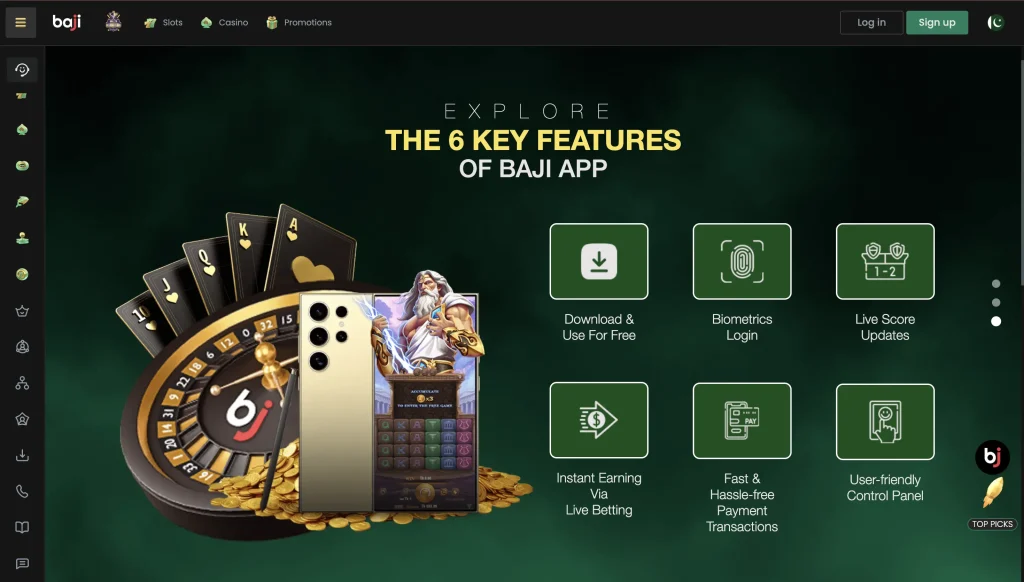
Unlike Android devices, iPhones and iPads cannot install Android APK files. Apple uses a different application format, so iOS users need to use the Baji option currently supported for Apple devices, such as browser-based access or an available iOS app. Visit the complete Baji Game Guide.
How to Use Baji on iPhone
The easiest option for many iPhone users is accessing Baji through Safari or another supported browser. There is no need to install an Android APK.
Follow these steps:
- Open Safari on your iPhone.
- Visit the Baji web platform.
- Tap Login if you already have an account.
- Enter your registered mobile number or username.
- Enter your password.
- Complete any verification requested.
- After logging in, access the available games and account features.
New users can select Register and complete the account creation process before logging in.
How to Use Baji on iPad
Baji can be accessed on an iPad in much the same way as on an iPhone. The larger display can make navigation more comfortable, particularly when viewing live content or browsing multiple game categories.
- Open Safari on your iPad.
- Go to the Baji platform.
- Select Login or Register.
- Enter the required account information.
- Complete any security verification.
- Open your account dashboard.
- Browse the available sections from the larger iPad display.
Can You Download Baji APK on iPhone?
No. A Baji APK cannot be installed directly on an iPhone or iPad because APK is the application package format used by Android. iOS and iPadOS use Apple’s own application system. Renaming an APK file or attempting to open it through Safari will not convert it into an iPhone application.
Add Baji to the iPhone or iPad Home Screen
When using browser access, iPhone and iPad users can add a website shortcut to their Home Screen for quicker access.
- Open Baji in Safari.
- Tap the Share icon.
- Scroll through the available options.
- Select Add to Home Screen.
- Confirm the displayed name.
- Tap Add.
A shortcut will then appear on the Home Screen. Tapping it provides quicker access without manually entering the web address each time.
iOS and iPad Requirements
| Feature | Minimum | Recommended |
|---|---|---|
| Device | Compatible iPhone or iPad | Recent iPhone or iPad |
| Operating System | Supported iOS/iPadOS version | Latest stable iOS/iPadOS |
| Browser | Safari or compatible browser | Latest Safari |
| Internet | Stable mobile data or Wi-Fi | 4G/5G or high-speed Wi-Fi |
| Storage | Enough for browser data | 500 MB+ free space |
| Screen | Standard supported display | Retina display |
Baji Features on iPhone and iPad
Depending on current platform availability, Apple users can access many of the same account sections available on other supported devices, including:
- Casino and slot games
- Live casino
- Sports betting
- Bonuses and promotions
- Daily rewards
- Tournaments and competitions
- VIP Lounge
- Deposit options
- Withdrawal options
- Transaction history
- Account settings
- Customer support
How to Log in to Baji on iOS
Existing Baji users do not need a separate account for their iPhone or iPad.
- Open Baji on your device.
- Tap Login.
- Enter your registered account details.
- Type your password.
- Tap the login button.
- Complete any additional verification if requested.
- Your account dashboard will open after successful authentication.
Baji Not Working on iPhone or iPad
If Baji does not load properly, start by checking your internet connection. Switching between Wi-Fi and mobile data may resolve temporary connection problems.
You can also close and reopen Safari, clear old browser data, restart the device, or make sure iOS and Safari are updated. If a particular feature is temporarily unavailable, try accessing it again later.
iPhone vs iPad Experience
The main difference is screen size. An iPhone is convenient for quick mobile access, while an iPad provides more room for menus, live content, game interfaces, and account information. Both devices can use the same registered Baji account, so users do not need separate accounts for different Apple devices.
Final Thoughts
Baji can be accessed on both iPhone and iPad without using an Android APK. Browser-based access provides a straightforward option for Apple users, and a Home Screen shortcut can make returning to the platform more convenient. Existing users can simply sign in with their normal account details and access the features currently supported on iOS and iPadOS.